

Firefox Private Safe Browser
Overview
Foxi Private Safe Browser is a privacy-first web browser developed by Mozilla, designed to deliver secure, fast, and customizable browsing experiences across Windows, Mac, and Linux platforms. Built on an open-source foundation, the browser emphasizes user privacy through advanced tracking protection, secure connections, and minimal data collection. It addresses common concerns related to online surveillance, third-party tracking, and data leaks, making it ideal for users who prioritize digital safety.
The software is particularly suited for privacy-conscious individuals, professionals handling sensitive information, and general consumers seeking a reliable alternative to mainstream browsers. Real-world use cases include secure online banking, private research, and managing personal data across multiple devices. The browser includes standard features such as tabbed browsing, integrated PDF viewing, geolocation support, and a built-in spell checker.
It also supports extensions, allowing users to enhance functionality with tools like ad blockers and download managers. Mozilla’s commitment to transparency and open development is reflected in the browser’s design and frequent security updates. The latest version, 132.0.3, released on November 5, 2024, includes performance improvements and enhanced privacy controls.
The developer did not provide additional system requirements beyond the supported operating systems.
Key Features & Capabilities
- Privacy Protection – Blocks trackers and third-party cookies by default, with real-time warnings for known phishing sites and malicious domains.
- Private Browsing Mode – Prevents local storage of browsing history, cookies, and form data during sessions.
- Integrated Security Features – Includes pop-up blockers, anti-phishing filters, and HTTPS enforcement to ensure secure connections.
- Customizable Interface – Offers themes, personalized toolbars, and support for extensions to tailor the browsing experience.
- Extension Ecosystem – Access to a vast library of add-ons for enhanced functionality, including ad blocking, password management, and content filtering.
- Lightbeam Integration – Visualizes tracking networks across websites to help users understand how their data is shared.
- Reading Mode – Removes distractions from web pages, providing a clean layout for easier content consumption.
- Pocket Integration – Allows users to save articles and videos for offline reading.
- WebVR & WebAssembly Support – Enables immersive experiences and high-performance web applications.
These features support use cases such as secure research, private communication, and efficient content consumption. For example, the privacy protection tools help users avoid targeted advertising, while the extension ecosystem allows developers and power users to adapt the browser to specific workflows. The built-in PDF reader eliminates the need for external software, and geolocation services enhance map-based browsing. The browser’s ability to block tracking scripts improves both speed and security, especially on data-heavy websites.
User Interface, Workflow & Performance
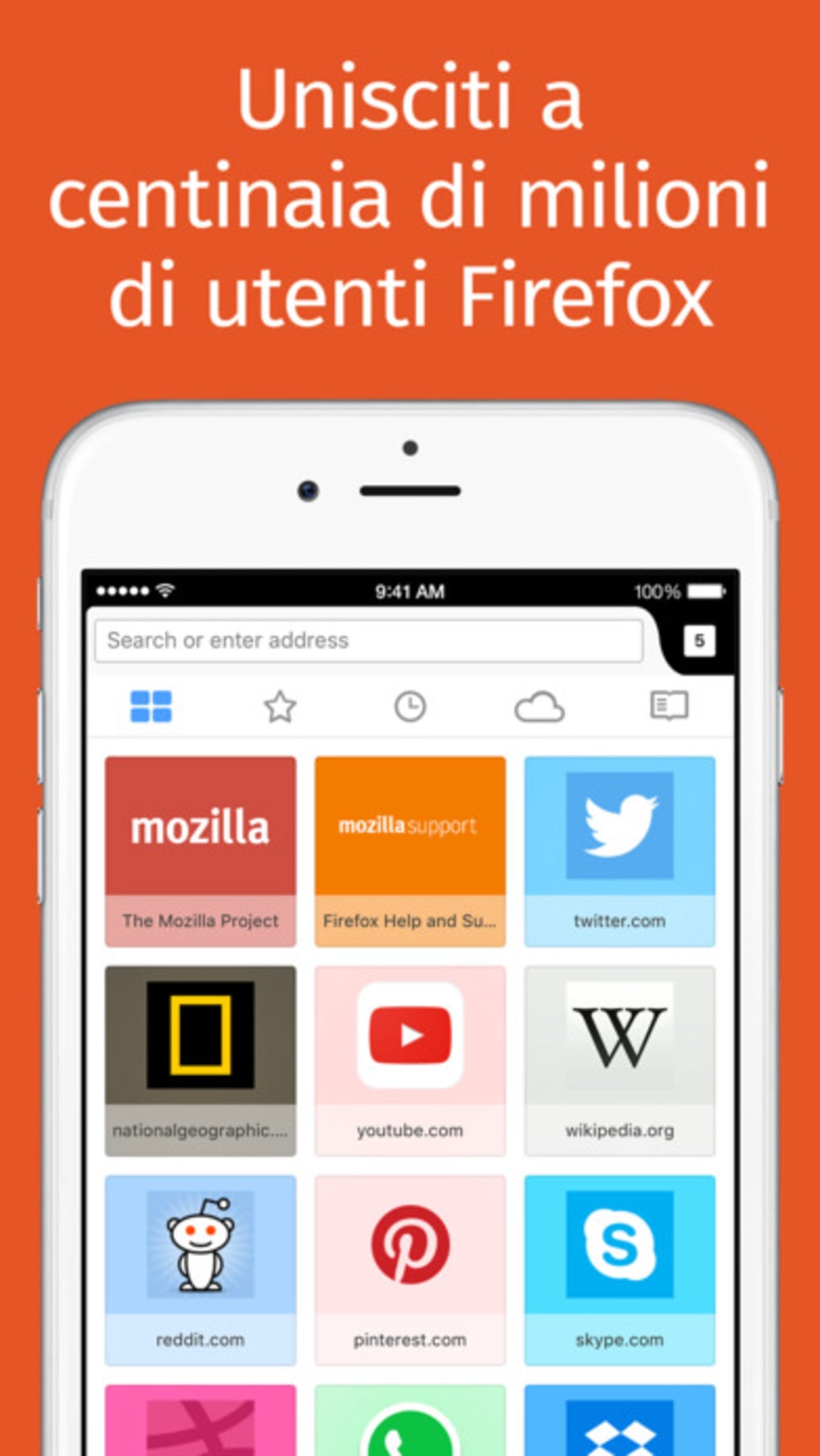
The browser features a clean, intuitive interface with a customizable toolbar, menu, and tab management system. Navigation is straightforward, with access to bookmarks, history, downloads, and settings from the homepage. Users can organize tools and frequently used functions via the personal toolbar or menu customization.
The workflow is efficient, especially when combined with keyboard shortcuts and extension integrations. The browser supports tabbed browsing with drag-and-drop functionality and customizable tab groups. Performance is optimized through Mozilla’s Quantum engine, which reduces RAM usage and improves page load speed.
The developer did not specify exact performance metrics or resource usage details. However, general behavior suggests stable operation under typical usage conditions. The browser maintains responsiveness even with multiple tabs open, and automatic updates ensure consistent performance.
Stability is maintained through regular patches and security fixes. The developer did not provide information on CPU or RAM behavior beyond the general optimization claims.
Compatibility & System Requirements
Foxi Private Safe Browser is compatible with Windows, Mac, and Linux operating systems. The software version is 132.0.3, with a download size of 108 MB. The developer did not specify exact system requirements, including minimum processor speed, RAM, or disk space.
Compatibility information was partially provided. Users should ensure their system meets general standards for modern desktop applications. The browser is designed to run efficiently on current hardware, but specific performance outcomes may vary based on individual configurations.
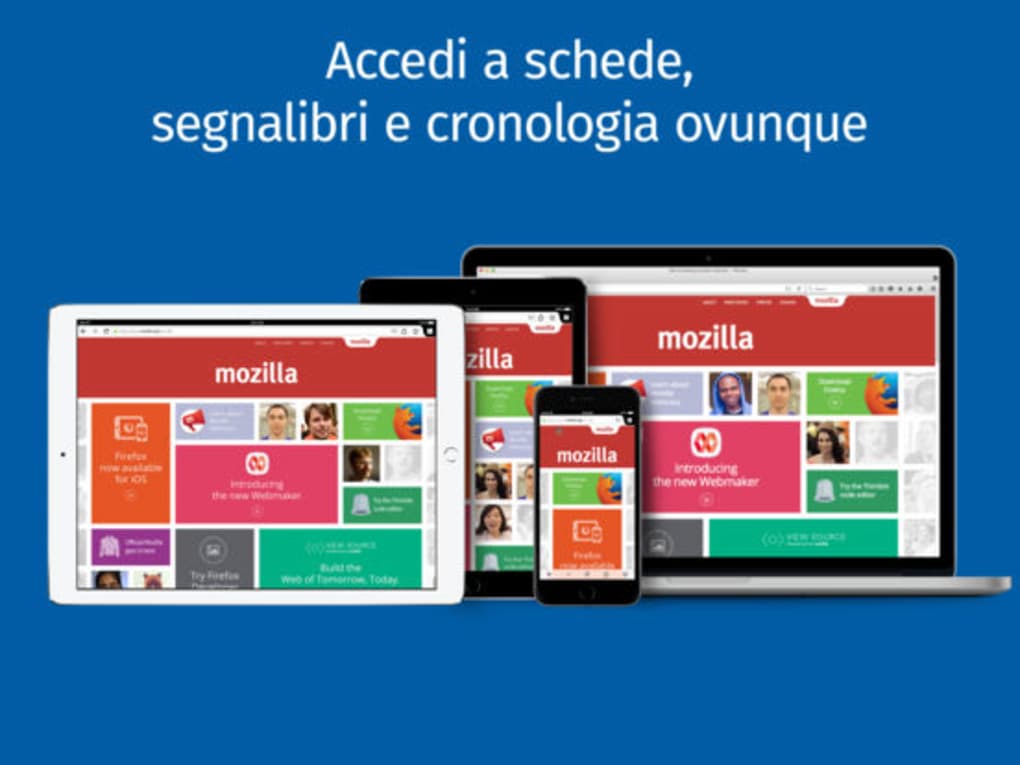
Installation is straightforward and does not require administrative privileges on most systems. The browser supports cross-platform synchronization for users with multiple devices.
Pros and Cons
Pros
- Open-source and transparent development model
- Strong built-in privacy and security protections
- Lightweight performance with reduced RAM usage
- Extensive customization options via themes and extensions
- Supports modern web standards like WebVR and WebAssembly
- Free to download and use with no hidden costs
- Regular automatic security updates
Cons
- Resource usage details not publicly disclosed
- Some advanced features require add-ons for full functionality
- Interface may feel less polished compared to proprietary alternatives
- Limited third-party integration beyond standard web APIs
- Support for older operating systems not confirmed
FAQ Section
Is Firefox Private Safe Browser available for all major operating systems?
Yes, the browser is compatible with Windows, Mac, and Linux systems. No additional platform-specific versions were mentioned.
Is the software safe to download and use?
Yes, the browser is developed by Mozilla, a trusted organization known for its commitment to privacy and open-source principles. It is distributed through official channels and includes automatic security updates.
Does the browser require a license or payment?
No, Firefox Private Safe Browser is completely free to download, use, and distribute. There are no subscription fees or licensing costs.
Can I use the browser offline?
Yes, the browser supports offline functionality through features like saved pages in Pocket, local bookmarks, and cached content. However, some features require an internet connection.
How often are updates released?
Updates are released regularly, with automatic updates enabled by default. Security patches and feature improvements are rolled out frequently to maintain protection against emerging threats.
Final Thoughts
Foxi Private Safe Browser stands out as a robust, privacy-centric alternative to mainstream web browsers. Its combination of strong security features, open-source transparency, and performance optimization makes it a top choice for users who value control over their digital footprint. The browser is especially beneficial for professionals, researchers, and privacy advocates seeking a reliable and customizable tool.
While some technical details remain unspecified, the overall design, functionality, and developer reputation support a high level of trust. With automatic updates and a growing ecosystem of extensions, it delivers a future-proof browsing experience. For those prioritizing privacy without sacrificing performance, this browser offers a compelling solution.
Download Firefox Private Safe Browser now.







